Questions
Before you put a card in.
What does an arrangement actually do?
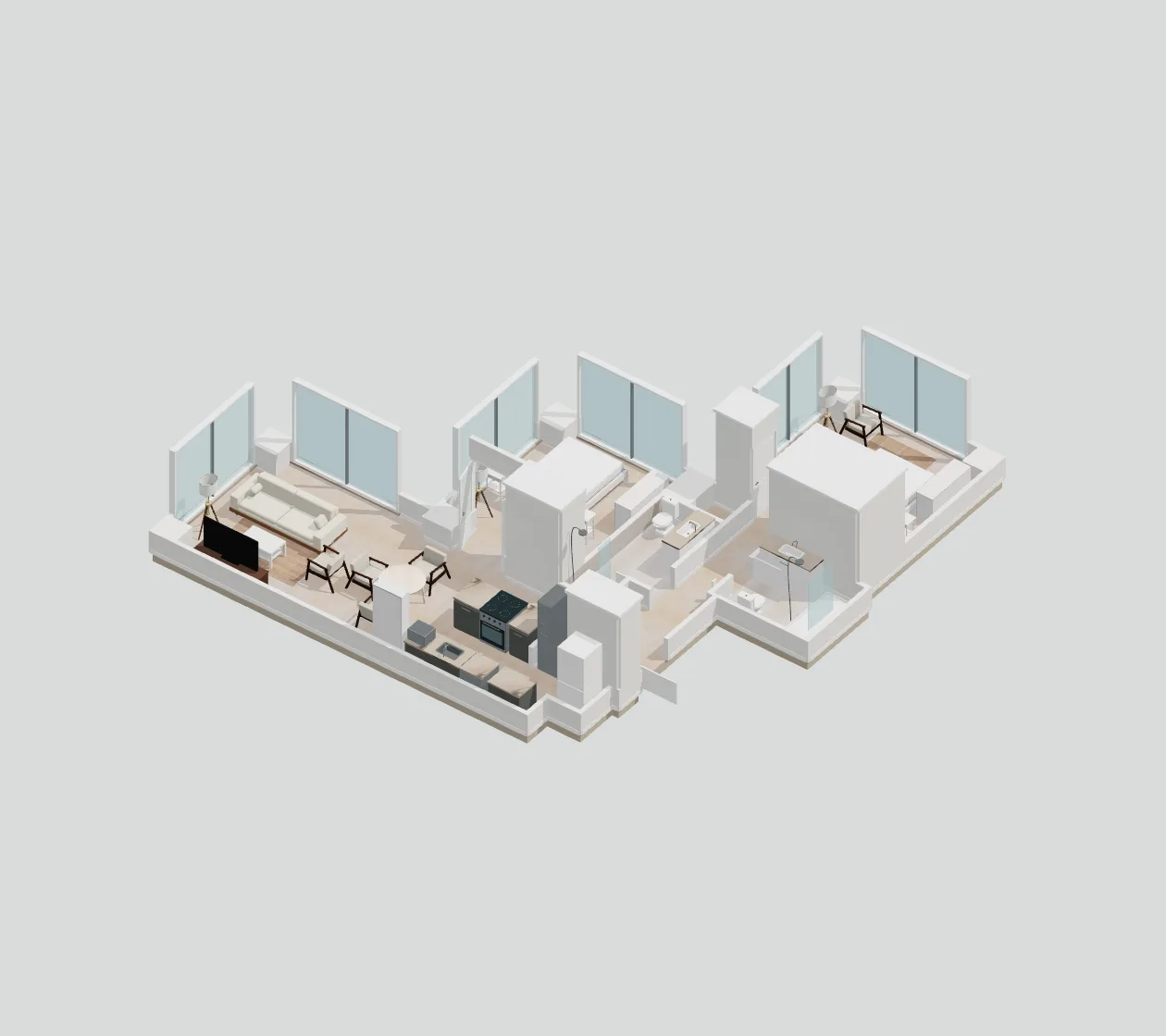
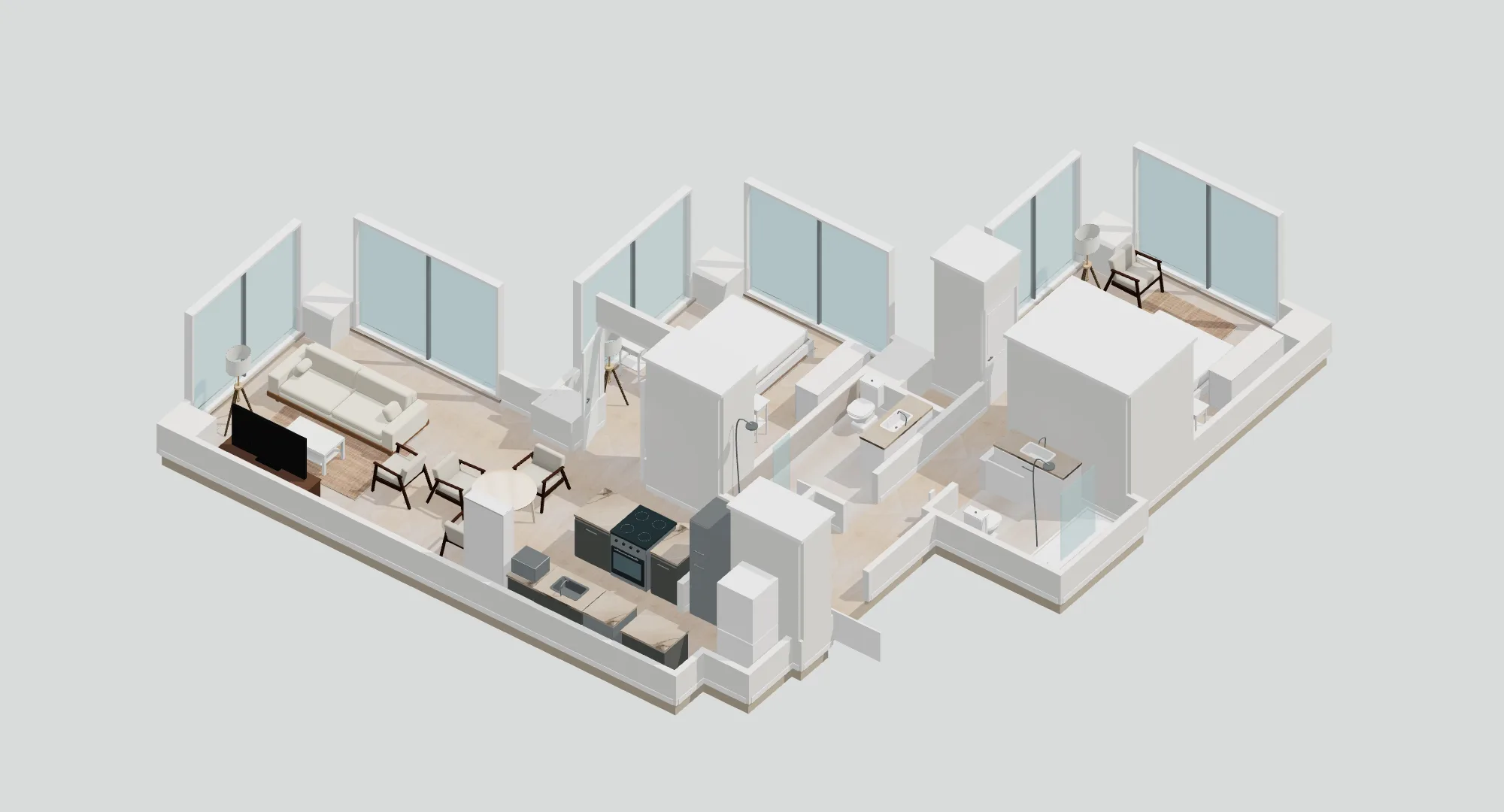
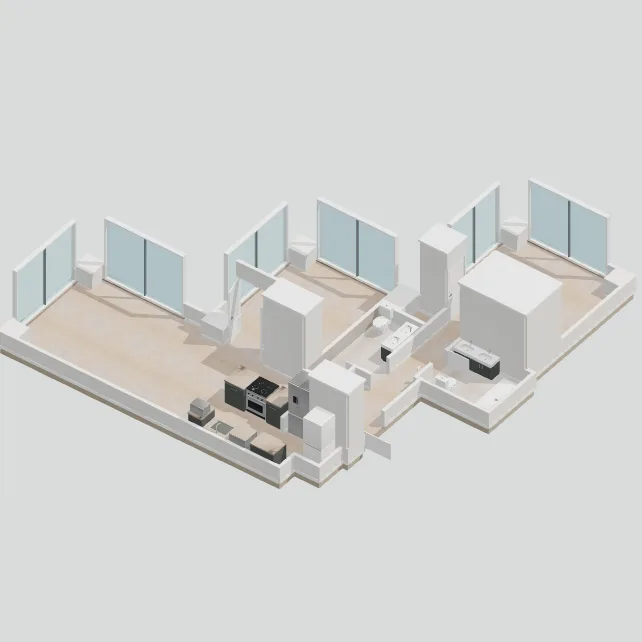
You pick a style. On a walkable floor plan, the furniture is placed inside the real walls and you walk through it. On a plan you uploaded, you get a buyable list of pieces that fit the room.
Can I try it first?
Yes. The demo floor plans are free to open and walk through, no account needed. Your own floor plans and furniture start with a plan.
What if my house has more than one floor?
Add each floor as its own floor plan. Upload that floor’s plan and photos, build it, and arrange it separately. A two-story house takes 2 saved floor plans, and each floor the AI builds uses one AI floor plan; floors you draw yourself use none.
What if I don’t have a floor plan?
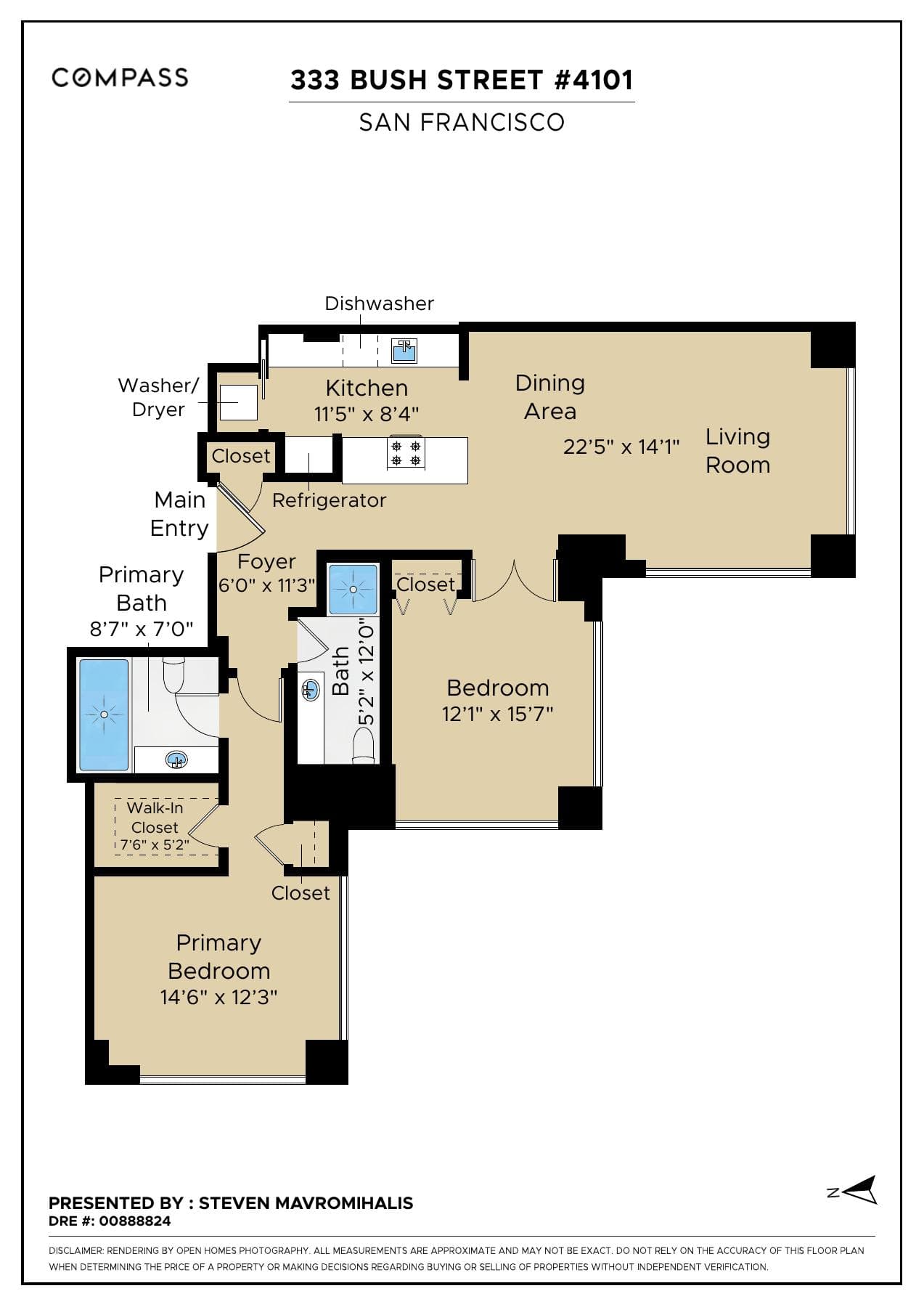
Most rental and sale listings include one, and a landlord or building manager can often send a copy. A clear photo of a hand-drawn plan with room sizes written on it can also work. Or draw the room yourself: set the walls, ceiling height, doors, and windows, and it’s walkable as soon as you save. Drawing uses no AI, so it doesn’t count toward your plan.
What files can I upload?
Floor plans can be PNG, JPG, WebP, HEIC, or PDF. Room and furniture photos can be PNG, JPG, WebP, or HEIC, including the photos an iPhone takes. Each file can be up to 100 MB.
How long does it take?
Building a walkable 3D model from a plan image usually takes several minutes. Arranging a full apartment can also take a few minutes, and a furniture model from photos takes a few minutes too. You can close the tab while any of these run; the result is on your account when it finishes.
How accurate is the 3D model of my home?
It is only as accurate as the plan you upload. Walls and rooms come from the drawing, and any dimension that had to be inferred is labeled as an estimate. Check the measurements that matter, like the wall where the sofa goes, before you order.
Will the furniture actually fit?
Each piece is modeled at its listed width, depth, and height. Arrangements are checked against walls, doors and their swing, other furniture, and walking paths to every room. Anything that cannot fit is listed instead of being squeezed in.
What furniture can I use?
The catalog starts with pieces you can order. Photograph a piece you already own, or add a model, and place it in the same room.
Can I buy the furniture through Couchlayer?
No. You order from the retailer. Couchlayer is not affiliated with the retailers in the catalog. Prices are saved US list prices and can change; tax and delivery are extra.
Can I upload my own furniture?
Yes. Photograph a piece you already own, or describe it, and it becomes a model at the size you enter. If it looks off, ask for up to 3 fixes with a note or more photos. AI furniture models are counted every 30 days: 10 on Pro, 25 on Premium, and 60 on Ultra. Dropping in a GLB you already have uses no AI and doesn’t count. Couchlayer is not affiliated with the retailers. The names, photos, and models in the catalog belong to them.
How do the plan limits work?
Plans count the three things the AI does for you: building a floor plan from your files, building a furniture model from photos or a description, and arranging furniture in a floor plan. Each plan includes a number of each every 30 days, on a rolling basis, so each one frees up 30 days after you used it. Arrangements are 20 on Pro, 50 on Premium, and 120 on Ultra. Drawing rooms yourself, walking through, moving furniture by hand, and switching styles use no AI and aren’t counted; your plan also sets how many floor plans you can keep. A build that fails, or an arrangement that can’t start, doesn’t count.
How many floor plans can I keep?
Plans keep 3 on Pro, 10 on Premium, and 25 on Ultra floor plans, whether you drew them or the AI built them. Samples don’t count. Separately, each plan includes AI floor plans every 30 days: 2 on Pro, 5 on Premium, and 12 on Ultra. Rebuilding a floor plan from its files uses another one, and deleting a floor plan frees a saved spot but doesn’t give its AI build back. If you downgrade, your floor plans stay; you just can’t add more until you’re under the limit.
Does it work on my phone?
Yes. You can upload, arrange, and walk through a floor plan on a phone, using the on-screen joystick to move. A laptop gives you a bigger view of the plan.
What happens to my photos?
Plan images and photos are stored on your account so the studio can furnish that floor plan. They are not published in the shared catalog. Delete a floor plan and its files go with it. Delete the account on the Account page and the rest of the files go too.
How do I cancel?
Open Account, then Open billing, and cancel before the renewal date. The plan renews automatically at the price you were shown until you do. You keep access through the end of the period you already paid for, and you are not charged again. Stripe emails a reminder before each renewal. Email us within 14 days of the first payment and we refund that payment. Later renewals are not refunded. Your floor plans and models stay on the account after you cancel; you just cannot add new ones without a plan. Delete account, on that same page, is separate: it removes the sign-in and the files and ends a paid plan immediately.